

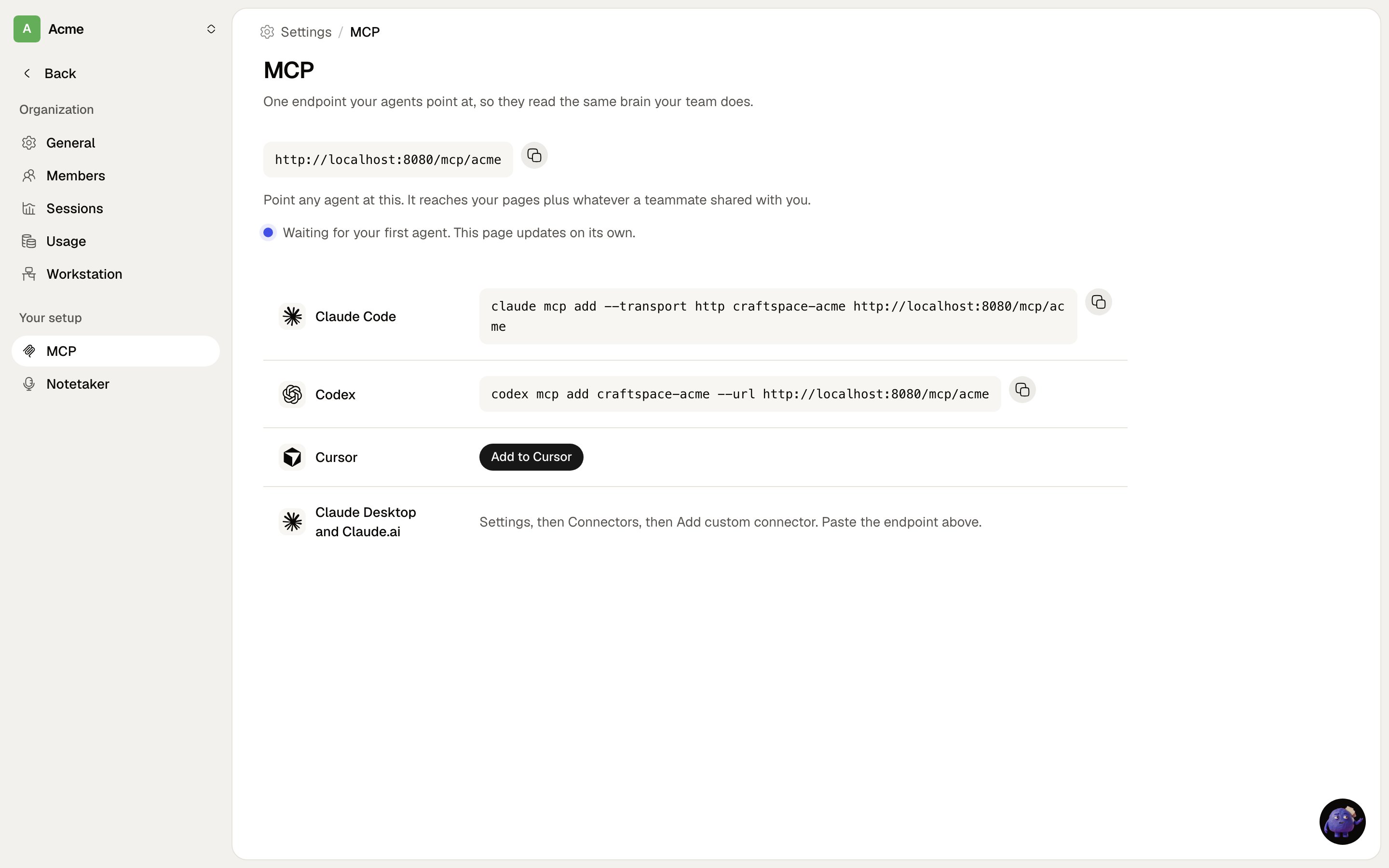
Settings, then MCP. Copy the line for your client and run it.
Claude Code
/mcp in a session to complete the sign-in.
Cursor, Codex and anything else that speaks MCP
Point it at the same URL over streamable HTTP. Clients that only support the older SSE transport will not work.What an agent can do
Writes are live immediately and there is no in-app undo, so an agent should search before it creates and
extend an existing page rather than adding a near-duplicate.
Gotchas
- The endpoint is on your install, not ours. Your install is its own OAuth authorization server, which is why nothing about the issuer moves when other things do.
- A bare
/mcpstill works and falls back to a default organisation for the account. The addressed form wins when both could apply. - Loopback and https only. Redirect URIs are limited to
httpon loopback (for CLI agents),https, and Cursor’s registered scheme. Anything else is refused at registration.