> ## Documentation Index
> Fetch the complete documentation index at: https://craftspace.mintlify.site/llms.txt
> Use this file to discover all available pages before exploring further.
# Spaces and pages
> How context is arranged, and who can see it.
 ## A page
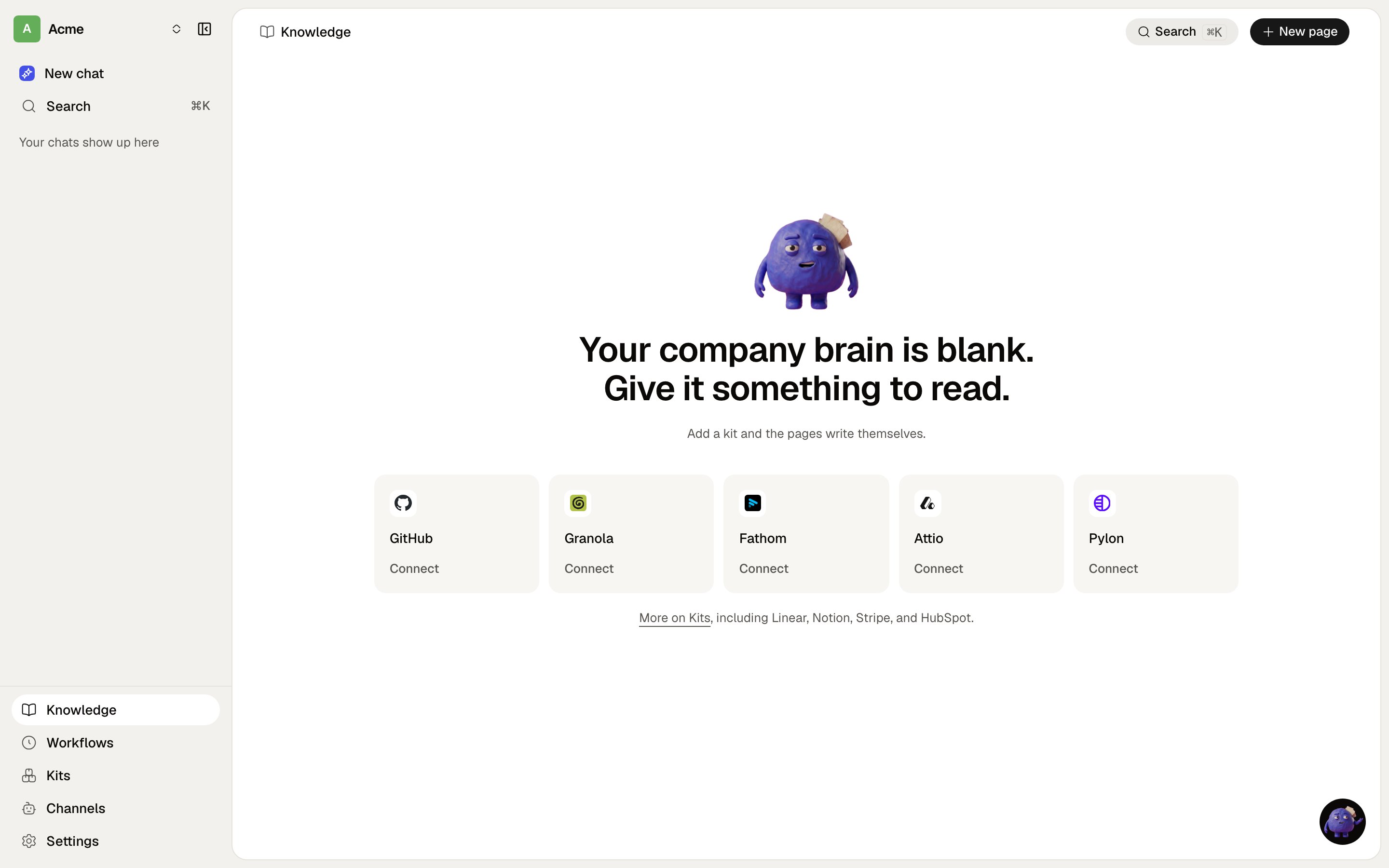
A page is markdown with a title and an icon. Pages nest, and the tree you see in the app is the tree on
disk when a space is backed by a repository.
Pages come in kinds. An ordinary page, a **decision** (one hard-to-reverse call, with its context and its
consequences), a **playbook** (a procedure written as steps), a **meeting**, a **table**. The kind changes
how it is rendered and how agents are told to use it, not where it lives.
## A space
A space is the **permission boundary**, not a folder. There are two sorts:
* **Shared spaces** are org-wide. One per project, named after it, readable and writable by every member.
An organisation can have as many as it has projects.
* **A personal space** belongs to one member. Everyone gets one when they join.
Choosing where to write matters more than it looks: a second project's context in another project's space
is how a brain stops being trustworthy. With one shared space there is no choice to make. With several,
write to the one whose name matches the project.
## Areas
Inside a space, the top level is **Areas**, and one Area owns exactly one page. That page is a glossary
spine: one line per term, saying what the term *is*. A term that outgrows its line graduates to its own
page beside it.
The rule that keeps this working is boring and load-bearing: **the filename is the entry's identity.**
Search before you write, and edit the page that already covers the topic. A differently named second page
is a duplicate, not an update.
## Gotchas
* **A gotcha is not a page.** It belongs under the `Gotchas` heading of the page for the feature it bites,
so whoever reads about that feature meets it in place. A gotcha nobody thinks to search for is a gotcha
nobody reads.
* **Empty spaces read as templates.** A space seeded with folder pages and nothing in them tells a new
member this is a filing system rather than something to write in. Put one real page in before you invite
anybody.
## A page
A page is markdown with a title and an icon. Pages nest, and the tree you see in the app is the tree on
disk when a space is backed by a repository.
Pages come in kinds. An ordinary page, a **decision** (one hard-to-reverse call, with its context and its
consequences), a **playbook** (a procedure written as steps), a **meeting**, a **table**. The kind changes
how it is rendered and how agents are told to use it, not where it lives.
## A space
A space is the **permission boundary**, not a folder. There are two sorts:
* **Shared spaces** are org-wide. One per project, named after it, readable and writable by every member.
An organisation can have as many as it has projects.
* **A personal space** belongs to one member. Everyone gets one when they join.
Choosing where to write matters more than it looks: a second project's context in another project's space
is how a brain stops being trustworthy. With one shared space there is no choice to make. With several,
write to the one whose name matches the project.
## Areas
Inside a space, the top level is **Areas**, and one Area owns exactly one page. That page is a glossary
spine: one line per term, saying what the term *is*. A term that outgrows its line graduates to its own
page beside it.
The rule that keeps this working is boring and load-bearing: **the filename is the entry's identity.**
Search before you write, and edit the page that already covers the topic. A differently named second page
is a duplicate, not an update.
## Gotchas
* **A gotcha is not a page.** It belongs under the `Gotchas` heading of the page for the feature it bites,
so whoever reads about that feature meets it in place. A gotcha nobody thinks to search for is a gotcha
nobody reads.
* **Empty spaces read as templates.** A space seeded with folder pages and nothing in them tells a new
member this is a filing system rather than something to write in. Put one real page in before you invite
anybody.